
Cable Management for Home Office: How to Finally Get a Clean Desk
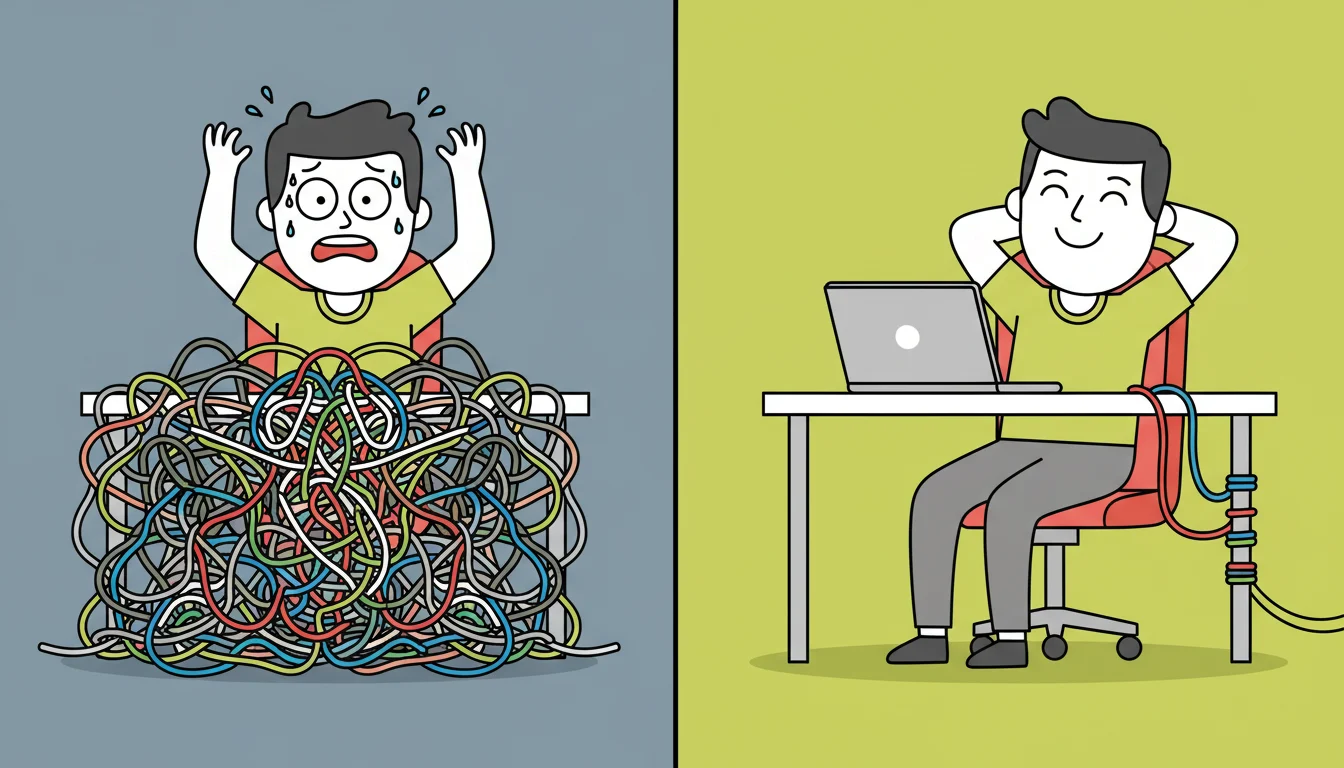
There is a moment every home office worker knows well. You sit down to start your day, look at the tangle of cables snaking across your desk and behind your monitor, and feel a small but real drop in motivation before you have even opened your laptop. Clutter is not just an aesthetic problem — research in environmental psychology consistently shows that visual disorder increases cortisol levels and reduces the brain’s ability to focus. Good cable management for home office setups is not about being tidy for the sake of it. It is about creating an environment where your brain can actually do its best work.
The great news is that sorting your cables is one of the fastest, cheapest, and most satisfying upgrades you can make to your workspace. One afternoon, the right tools, and your desk looks like a completely different place.
Why Cable Chaos Happens and How to Stop It
Most home office cable problems come from the same root cause — everything was plugged in one item at a time, with no plan. A monitor here, a lamp there, a USB hub added later, a second monitor added after that. Each addition made sense in isolation, but the cumulative result is a desk that looks like the back of an entertainment unit from 2003.
The solution is not to unplug everything and start over — though that is actually the fastest approach. It is to think of your cables as a system rather than individual items. Every cable has an origin point, a destination, and a path between them. When those paths are planned and managed, the chaos disappears entirely.
A monitor arm is one of the best starting points for cable management because most quality arms include internal cable routing channels that hide your monitor cables completely inside the arm itself. Combined with a desk pad that defines your workspace and a cable management box to hide your power strip, you can eliminate 80 percent of visible cables in under an hour.
The Tools That Make the Biggest Difference
Cable management does not require expensive solutions. The tools that deliver the most impact are simple, affordable, and available right now in the cable management accessories section at Kuykoo.
A cable management box is the single most impactful purchase. It sits under or beside your desk and completely hides your power strip, adapters, and any excess cable length inside a clean enclosure. From the outside, you see a neat box. Inside, all the chaos is contained and out of sight.
Velcro cable ties are infinitely more useful than zip ties because they are reusable and adjustable. Bundle cables that run together — your monitor cables, your USB hub cable, your lamp cable — into neat groups and secure them with velcro ties. This alone transforms the look of the cables running down the back of your desk.
Adhesive cable clips let you route individual cables along the underside or back edge of your desk, keeping them off the surface entirely. Use them to guide cables from your monitor arm down to your cable management box in a clean, straight line.
Cable sleeves are the premium option for runs of multiple cables that travel the same path. They bundle everything into a single fabric tube that looks intentional and professional. Particularly effective for the cable run from your desk down to the floor.
A Simple Step-by-Step Approach
Start by unplugging everything and laying it out. Group cables by destination — monitor cables together, USB cables together, power cables together. Identify which cables are actually necessary and which are leftovers from devices you no longer use. Remove anything redundant immediately.
Then route each group along the most direct, hidden path. Use your monitor arm’s internal channels for monitor cables. Use adhesive clips to run remaining cables along the back edge of the desk. Bundle everything heading to the floor into a cable sleeve. Hide the power strip and all adapters in a cable management box.
The whole process takes between 30 minutes and two hours depending on how complex your setup is. The result is a home office desk setup that looks clean, intentional, and genuinely professional — the kind of workspace that makes you want to sit down and get to work.
The Desk That Sells Itself
Here is something worth considering if you ever share your workspace on social media, in video calls, or in content you create. A clean, well-managed desk communicates competence and professionalism before you say a single word. It is the visual equivalent of a firm handshake. The people on the other side of your video calls notice. Your clients notice. You notice, every single morning when you sit down.
At Kuykoo we stock everything you need to get there — cable management boxes, velcro ties, adhesive clips, cable sleeves, and the desk accessories that make the whole setup come together. Free worldwide shipping on every order, with a 30-day return policy on everything we sell.
One afternoon. One clean desk. Zero excuses.